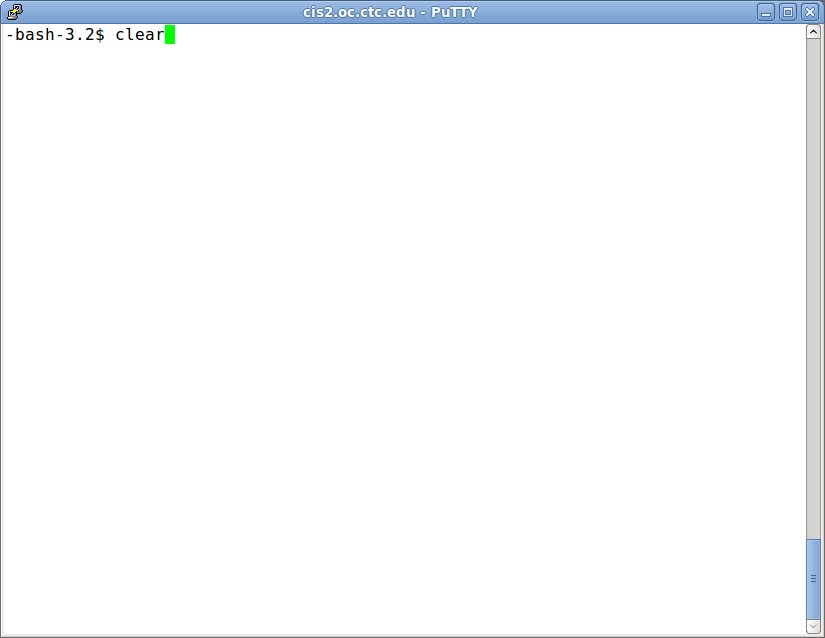
Click on image to enlarge.
Sections: 1 | 2 | 3 | 4 | 5 | 6 | 7 | 8 | 9 | Index | Next >
Learning objective: (3) Demonstrate the use of the clear command
Click on image to enlarge.
clear
The "clear" command clears the screen. In many consoles, the screen is cleared but the past actions can be seen by scrolling up using the buffer in the terminal application like PuTTY.
DOS: CLS
The equivalent in DOS would be "CLS".
Thinking: Why have a clear command?
Resources:
To maximize your learning, please visit these Web sites and review their content
to help reinforce the concepts presented in this section.
Quick links:
The clear Command
clear(1) - Linux man page
clear @ Wikipedia
Notes on navigation: Click inside the frame to navigate the embedded Web page. - Click outside the frame to navigate this page to scroll up/down between the embedded Web pages. - Click on the frame title to open that page in a new tab in most browsers. - Click on the the "Reload page" link to reload the original page for that frame.
The clear Command |
Reload page
|
If frame is empty, click on the link to view the page in a new tab or window
clear(1) - Linux man page |
Reload page
|
If frame is empty, click on the link to view the page in a new tab or window
clear @ Wikipedia |
Reload page
|
If frame is empty, click on the link to view the page in a new tab or window
Sections: 1 | 2 | 3 | 4 | 5 | 6 | 7 | 8 | 9 | Index | Next >