Click on image to enlarge.
Sections: 1 | 2 | 3 | 4 | 5 | 6 | 7 | 8 | 9 | 10 | 11 | Index | Next >
Learning objective: Identify uses of Operating Systems
Click on image to enlarge.
Adding a microprocessor to most devices significantly increases the device's capability. Thus, each device needs an operating system to control the device. What other devices do you use that may use an OS that can be added to the list below?
Network routers
Printers
DVD players
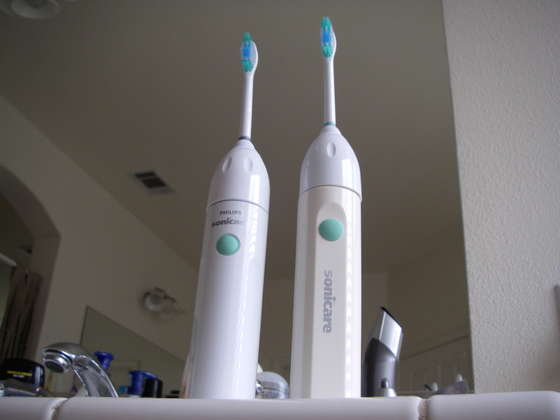
Toothbrushes
Cell phones
Thinking: Can you think of non-computing like devices that may have OSs?
Resources:
To maximize your learning, please visit these Web sites and review their content
to help reinforce the concepts presented in this section.
Quick links:
Operating systems comparison @ Wikipedia
Notes on navigation: Click inside the frame to navigate the embedded Web page. - Click outside the frame to navigate this page to scroll up/down between the embedded Web pages. - Click on the frame title to open that page in a new tab in most browsers. - Click on the the "Reload page" link to reload the original page for that frame.
Operating systems comparison @ Wikipedia |
Reload page
|
If frame is empty, click on the link to view the page in a new tab or window
Sections: 1 | 2 | 3 | 4 | 5 | 6 | 7 | 8 | 9 | 10 | 11 | Index | Next >